
Enable Permanent or Conditional Forwarding
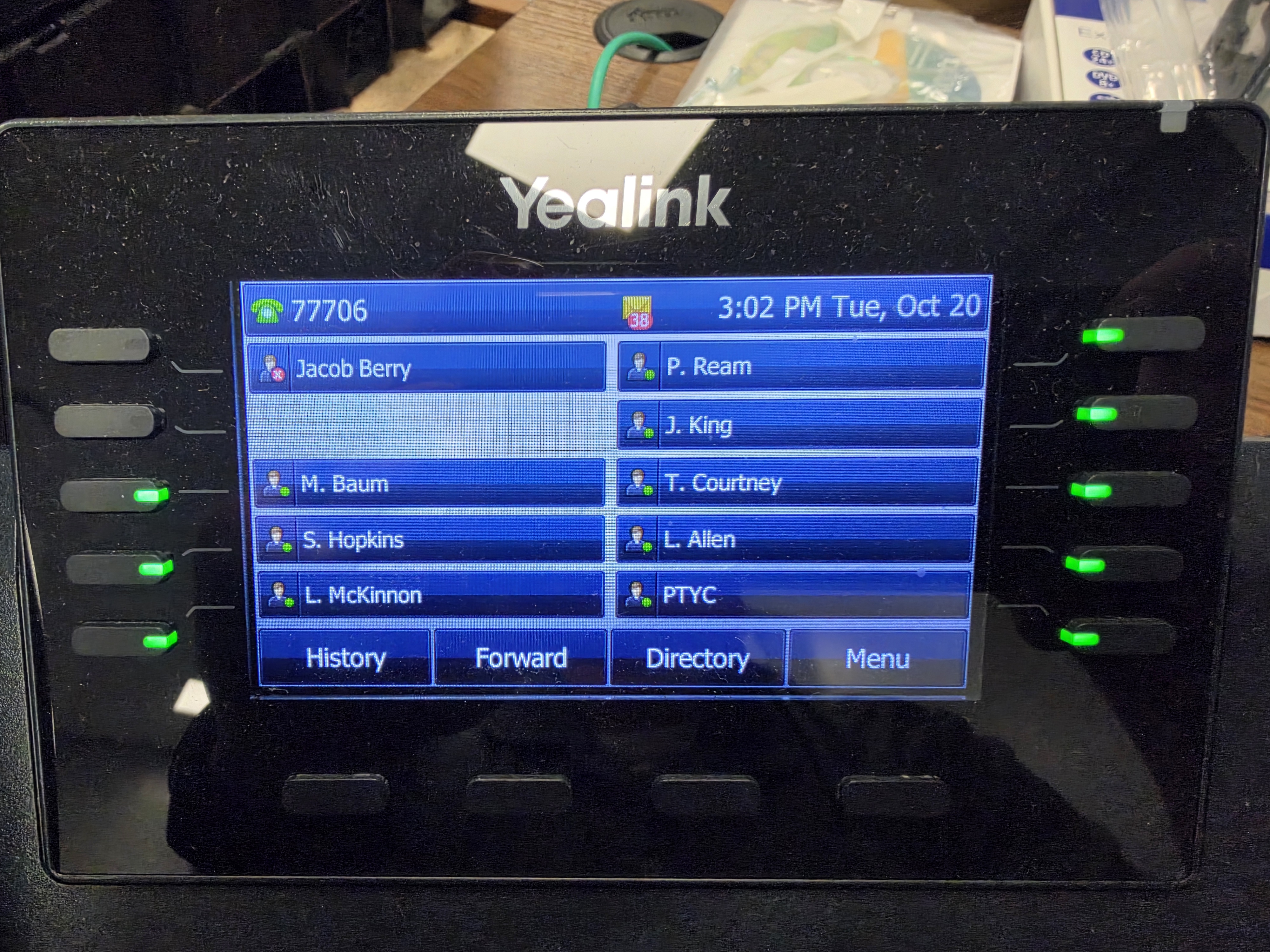
- Press the Menu soft key while the phone is idle.
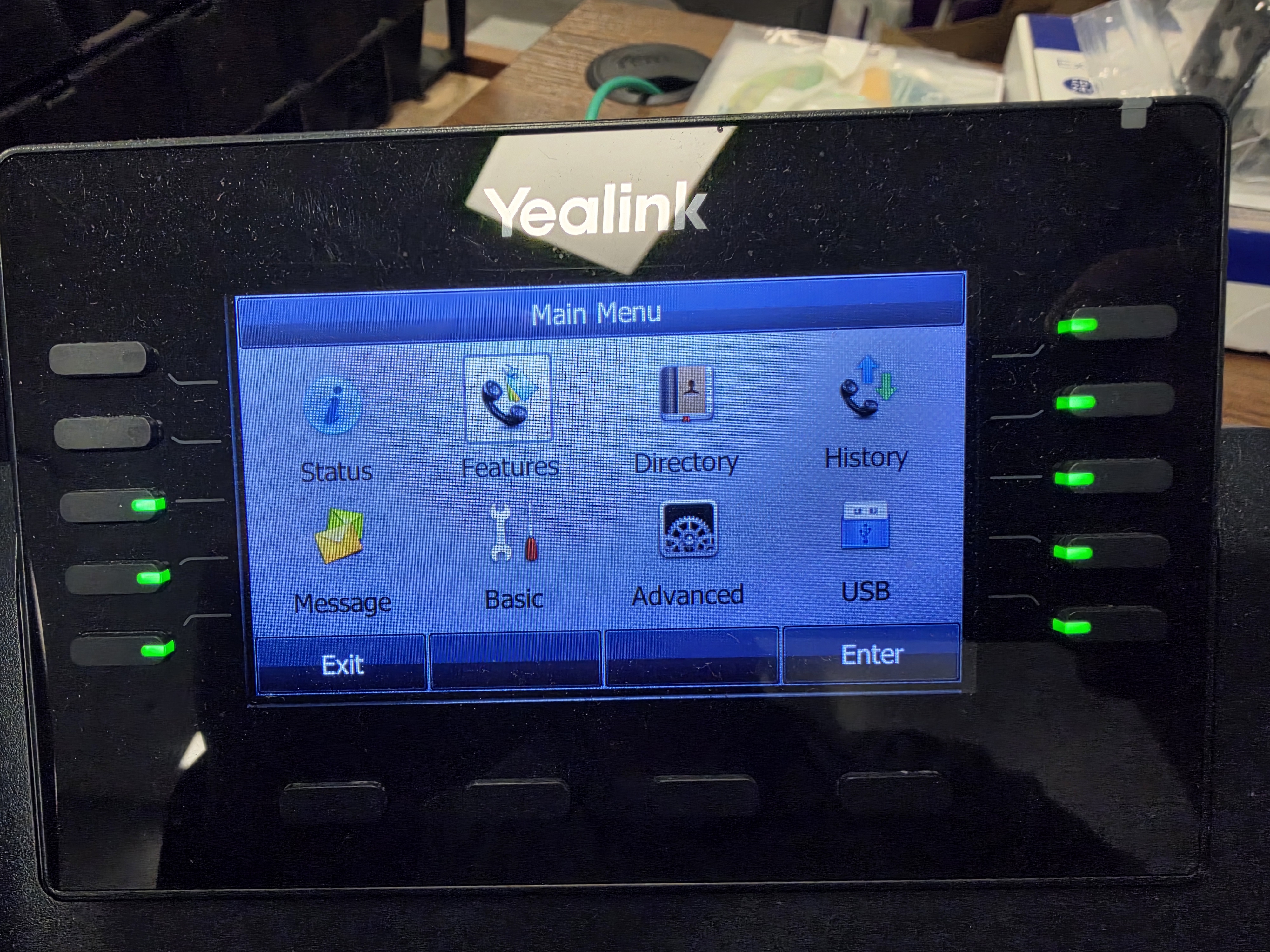
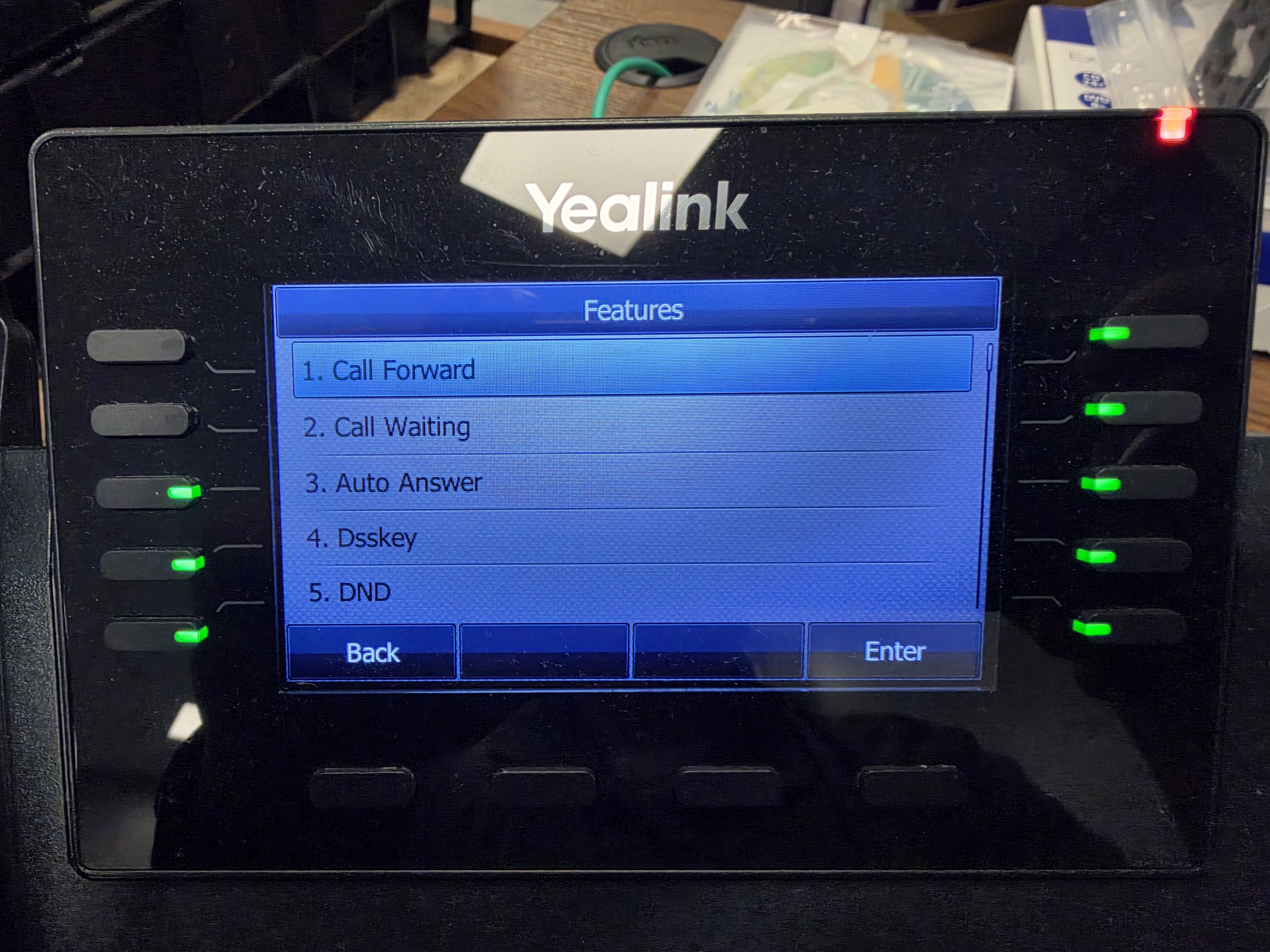
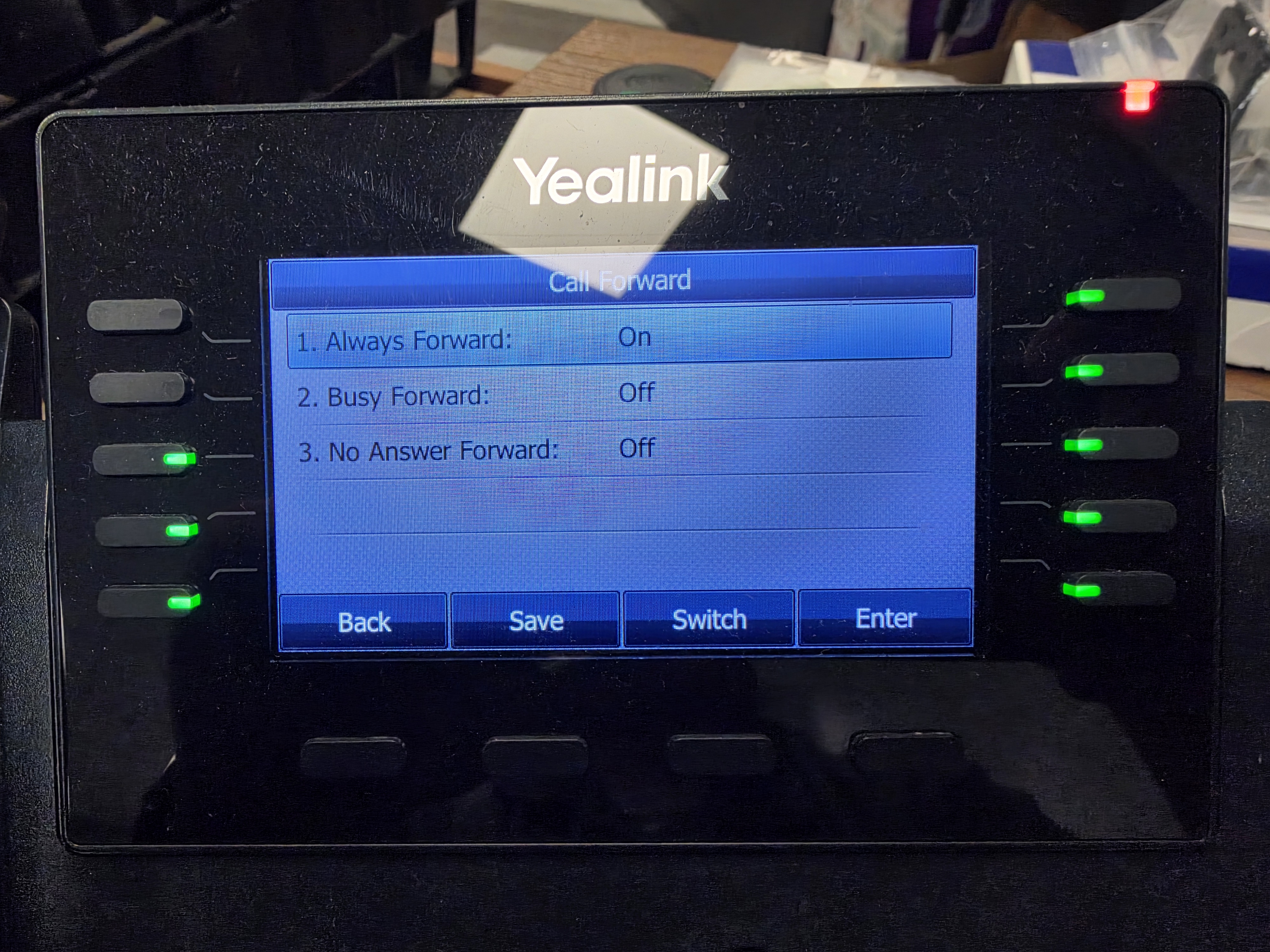
- Select Features > Call Forward
- Choose your desired forwarding type:
• Always Forward: Forwards all incoming calls immediately.
• Busy Forward: Forwards calls when your line is busy.
• No Answer Forward: Forwards calls if you do not answer after a set ring time.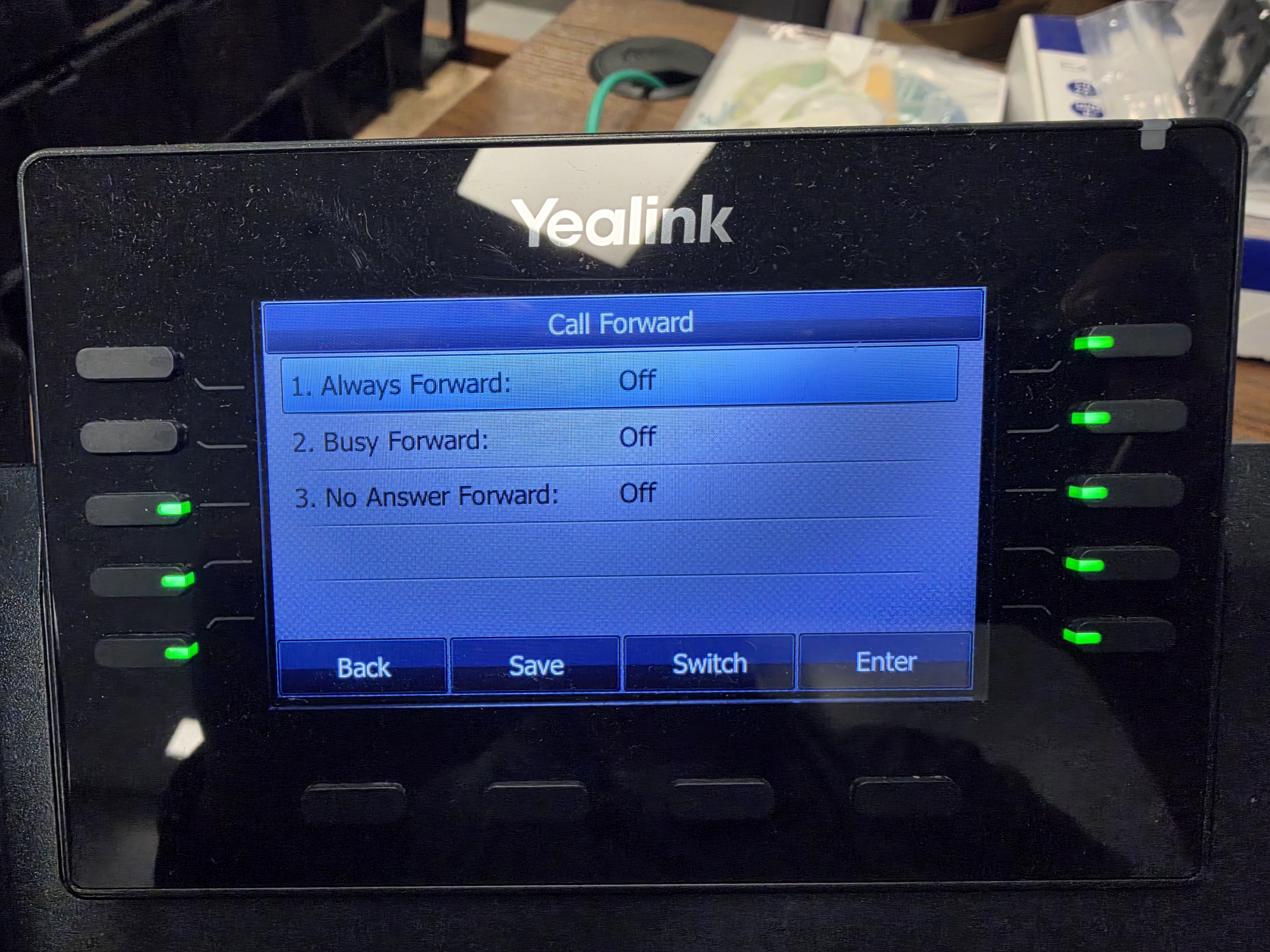
- Select Enabled or On, and enter the destination phone number or extension in the Forward to field. Please enter only the 10-digit phone number that you would like the calls forwarded to.
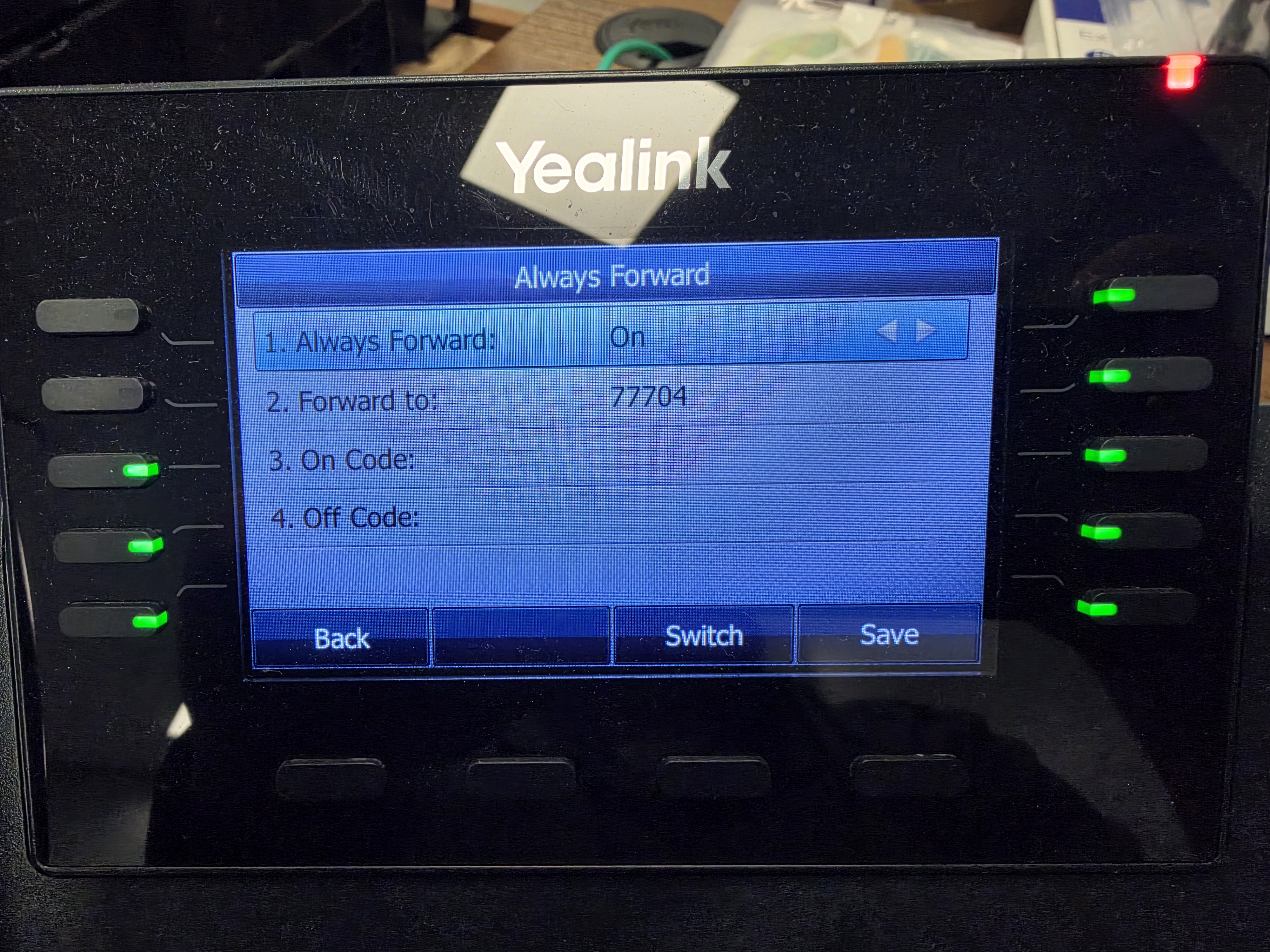
- Press the Save soft key. A forward icon will appear on your screen status bar.
Please note:

All building phones have established business hours of Monday–Thursday, 7:30 a.m.–4:00 p.m., and Friday, 7:30 a.m.–3:30 p.m. Calls will not come through outside of those hours or over the weekend.


This means that even if you leave call forwarding enabled, you will not receive calls in the evening or over the weekend. You can simply turn off call forwarding when you return to work.
Deactivate Call Forwarding
- Press the Menu soft key while the phone is idle.
- Select Features > Call Forward
- Select the active forwarding type and change it to Off.
- Press Save.